
Touch Re Qualification When a Kiosk Adds a Camera or ID Reader Module
Adding a camera or ID reader module does not change the touch stack, but it changes what the user does at the screen. Prompts multiply, dwell time stretches, and hands leave the glass during verification. Touch re qualification when a kiosk gains a peripheral is therefore an interaction-pattern problem, and the existing qualification evidence usually no longer covers the deployment.
Why a New Camera or ID Reader Re-Opens a Closed Touch Qualification
Yes, adding a module affects touchscreen qualification, even though no touch component changed. The re-open trigger is not the panel, the controller or the firmware — it is the human behavior the module induces. A flow that previously asked a user to tap twice now asks them to stand still, hold a document flat, or wait while a prompt resolves, and that rewrites the touch duty cycle you originally qualified.
Three things actually change:
- The prompt sequence. A verification leg inserts additional screens and confirmation taps before the original transaction resumes.
- The dwell time per user. Identity steps hold a user at the enclosure longer, which changes queue timing and screen-on time between touches.
- The number of on-screen touches per session. Users sometimes touch less during verification and more immediately after it, concentrating taps into a short burst.
The touch stack itself is untouched, which is exactly why teams wrongly assume the existing qualification covers the deployment. In kiosk peripheral integration camera ID reader changes are judged against the printed module datasheet, not against the qualified interaction envelope — so the delta goes unmeasured.
What the Added Module Actually Changes: Interaction Pattern, Not Silicon
Modular kiosk design configurable modules are now the default commercial model. Camera, document and ID reader, NFC/RFID and fingerprint options are positioned as standard configurable choices on a common chassis rather than exotic add-ons, and vendors have been stacking them deliberately. HID and Olea Kiosks announced a collaborative engagement in January 2024 built around combining access control and user authentication hardware in self-service enclosures ([3]).
The demand side moved the same way. Kiosk Marketplace reported in May 2026 that kiosks are increasingly being considered for identity verification, beyond the ordering, ticketing, check-in and payment roles the category was previously discussed around ([4]). That shift is what makes touch re qualification when a kiosk is re-scoped a recurring task rather than a one-off.
| Module added | Interaction change | Touch variable re-opened by that peripheral integration |
|---|---|---|
| Camera | User is prompted to position face and hold still; taps pause mid-verification | Dwell time, prompt density, re-touch burst after the pause |
| ID/document reader | Document handled flat on a slot; both hands occupied, then returned to glass | Glove and wet-touch regime, screen hygiene, session length |
| NFC/RFID | Tap-and-remove gesture replaces or supplements card insertion | Touch count per session, re-touch frequency, timing |
| Fingerprint scanner | Direct skin-to-sensor contact on a shared surface | Screen hygiene, abort behavior, back-to-back timing under load |
The Verification Sequence and What It Does to On-Screen Dwell Time
The layered sequence is documented rather than assumed. A public explainer on cash kiosk identity verification describes document capture and OCR, biometric facial matching kiosk comparison, liveness detection self-service checks, and database cross-validation as the stacked steps that make up a modern verification flow ([1]).
Four labelled stages, in the order users meet them:
- Document capture and OCR at kiosk — the user places an ID or document on the reader, and both hands leave the screen.
- Facial matching kiosk step — the camera compares the live face with the captured document portrait.
- Liveness detection self-service check — the user is prompted to move or hold still, extending the pause.
- Database cross-validation — the system checks the presented identity against a record set, and the user waits.
The touch consequence is direct. A kiosk routing users through this sequence changes when the user touches the screen, how long they pause mid-flow, and in some stages whether they touch at all during the verification window. The same source describes the sequence completing in under 30 seconds in properly configured deployments, but verification timing varies by implementation, module placement and network conditions — treat that figure as a vendor description, not a specification you can design a duty cycle around.
Scope Decision Rule: Incremental Delta Test or Full Re-Baseline?
This is a recommended engineering approach, not a published standard. It splits module additions by whether they change the touch regime or merely add a parallel input path.
| Incremental delta test is sufficient when… | Full re-baseline is required when… |
|---|---|
| The module adds a parallel input path and the user can still complete the flow by touch alone | The module introduces a mandatory step that interrupts the touch sequence |
| Glove use, wet-touch exposure and screen hygiene are unchanged | Glove use, wet-touch exposure or screen hygiene expectations change |
| Prompt density and on-screen dwell are unchanged | Prompt density rises, or users pause without touching for a sustained period |
| Session length and per-user touches stay inside the qualified envelope | Session length grows, or taps concentrate into a new burst after verification |
| The enclosure fascia and screen position are unchanged | Enclosure or screen position shifts relative to the new module |
Worked example 1 — delta test. A hotel self-check-in kiosk already qualified with a card reader gains an NFC reader on the same fascia, offering contactless as an alternative to insertion. The user still completes the same tap sequence, the same surfaces get touched, and hygiene expectations do not move. Re-running the delta test on the changed steps is typically enough.
Worked example 2 — re-baseline. The same kiosk gains a camera that introduces a prompted head-movement step before the payment screen. The user now stands at the enclosure without touching the glass for an extended interval, then re-engages in a compressed burst of taps. That is a new touch regime, so a full re-baseline is typically required even though no touch component changed.
The Duty-Cycle Test Matrix for a Re-Qualified Kiosk
Use this as kiosk duty cycle testing peripherals and glove and wet-touch kiosk touchscreen testing guidance. Pass and fail criteria are stated qualitatively because numerical thresholds depend on the qualified configuration, the application and the demographic the deployment serves.
| What to test | Why the added module makes it necessary | Pass/fail evidence to record |
|---|---|---|
| Prompt dwell and re-touch frequency | Verification legs insert non-touch intervals followed by concentrated tap bursts | Observed dwell intervals and tap clusters across a full multi-user session |
| Glove and wet-touch on verification-adjacent screens | A document reader or fingerprint scanner may require ungloved hands, changing touch conditions between steps | Whether each step completes with the glove and moisture conditions the site actually sees |
| Screen hygiene and smudge/occlusion tolerance | A shared camera and ID slot concentrates handling and contact on one fascia area | Visibility and responsiveness of on-screen prompts as surface contamination accumulates |
| Session abort and restart behaviour | A failed verification or liveness check exits mid-flow into an undefined screen state | Whether the user can restart, retry or abort using touch alone, and whether the screen remains usable |
| Multi-user back-to-back timing under load | Verification lengthens per-user occupancy and changes queue pressure on the terminal | Observed throughput and the condition of the screen between consecutive users |
| Camera-adjacent screen positioning and viewing angle | A head-positioning step fixes where the user stands, which changes their reach and viewing geometry | Whether on-screen prompts remain readable and reachable from the verification stance |
Three housekeeping checks to run alongside the matrix:
- Hold controller and firmware version constant across the whole test series, and record the version string.
- Document exactly which modules were present in the enclosure during the test.
- Record the enclosure configuration — fascia, mounting, screen angle — so the result is attributable to a known build.
Design Questions to Raise Before You Test: Offline Mode, Consent and Screen Hygiene
Put these to the integrator, software vendor or legal reviewer rather than answering them internally. This article is not giving compliance or legal advice.
- Does the flow degrade to a touch-only path when connectivity drops, and is that fallback path inside the existing qualification?
- How is consent captured on a shared public device, and is that consent step itself a touch interaction that needs testing?
- What is persisted on the device versus processed on-device or off-device, and does the answer change the flow a user sees?
- Once a camera and an ID slot share the same fascia, how is the screen cleaned between users, and who is accountable for it?
- What happens to a half-completed session on timeout — does it clear, retain, or expose anything to the next user?
- How does offline credentialing and auditable identity behave if the device is offline for an extended period?
A 2026 field guide on kiosk and vending identity deployment frames public kiosks and unattended devices as needing identity patterns that are secure, auditable and tolerant of poor connectivity, with ephemeral sessions and data minimization as the operative design pattern ([2]). Treat the offline fallback as a first-class flow, not an error state — touch re qualification when a kiosk loses connectivity is the same scoping problem as adding a module.
How This Fits the Wider Kiosk Lifecycle
Re-qualification should be triggered by any change to the interaction pattern, whether that change arrives through silicon, firmware or a newly bolted-on module. That makes scope decisions, not test procedures, the recurring cost in kiosk maintenance and procurement lifecycle planning.
- A module that adds a mandatory non-touch step changes the duty cycle and usually forces a full re-baseline.
- A module that adds a parallel input path while leaving the touch regime intact usually clears on a delta test.
- Either way, record which modules were fitted during the test, because the next add-on restarts the scoping question.
The glove and duty-cycle protocol covers the test mechanics once scope is set, and the self-service kiosk qualification walkthrough is the place to start if the existing evidence base is thin. Where the added module is compute- or voice-adjacent rather than purely peripheral, AI-driven re-baselining addresses the interaction side, and KDS re-baselining covers high-throughput counter environments.
Modular kiosk design shortens the add-on cycle, which makes repeated scoping a standing task rather than a project milestone. The HID and Olea engagement is a useful signal of where configurability is heading — module stacking inside a shared enclosure, which means the interaction pattern will keep moving under a touch stack that never changes ([3]).
Content reviewed: 2026-09-14.
Evidence confidence
Confidence: Medium. This rating reflects cross-checking 4 sources across 4 independent domains. It measures evidence coverage, not certainty; verify safety-critical work against manufacturer instructions and local requirements.
References
APA 7th edition
- ↑OLEA. (2026). Cash Kiosk Identity Verification: Fast & Fraud-Proof. https://www.olea.com/news/fast-frictionless-and-fraud-proof-how-cash-kiosk-identity-verification-works-and-why-it-looks-different-across-industries/.
- ↑Theidentity. (2026). Kiosk & Vending Identity: Offline Credentialing Guide. https://theidentity.cloud/kiosk-vending-identity-deployment-guide-2026.
- ↑Cited 2 timesHidglobal. (2024). HID and Olea Kiosks Empower People with Secure and Convenient. https://newsroom.hidglobal.com/hid-and-olea-kiosks-empower-people-secure-and-convenient-self-service-access.
- ↑Kiosk Marketplace. (2026). Rethinking kiosks for identity verification. https://www.kioskmarketplace.com/blogs/rethinking-kiosks-for-identity-verification/.
You should also read:
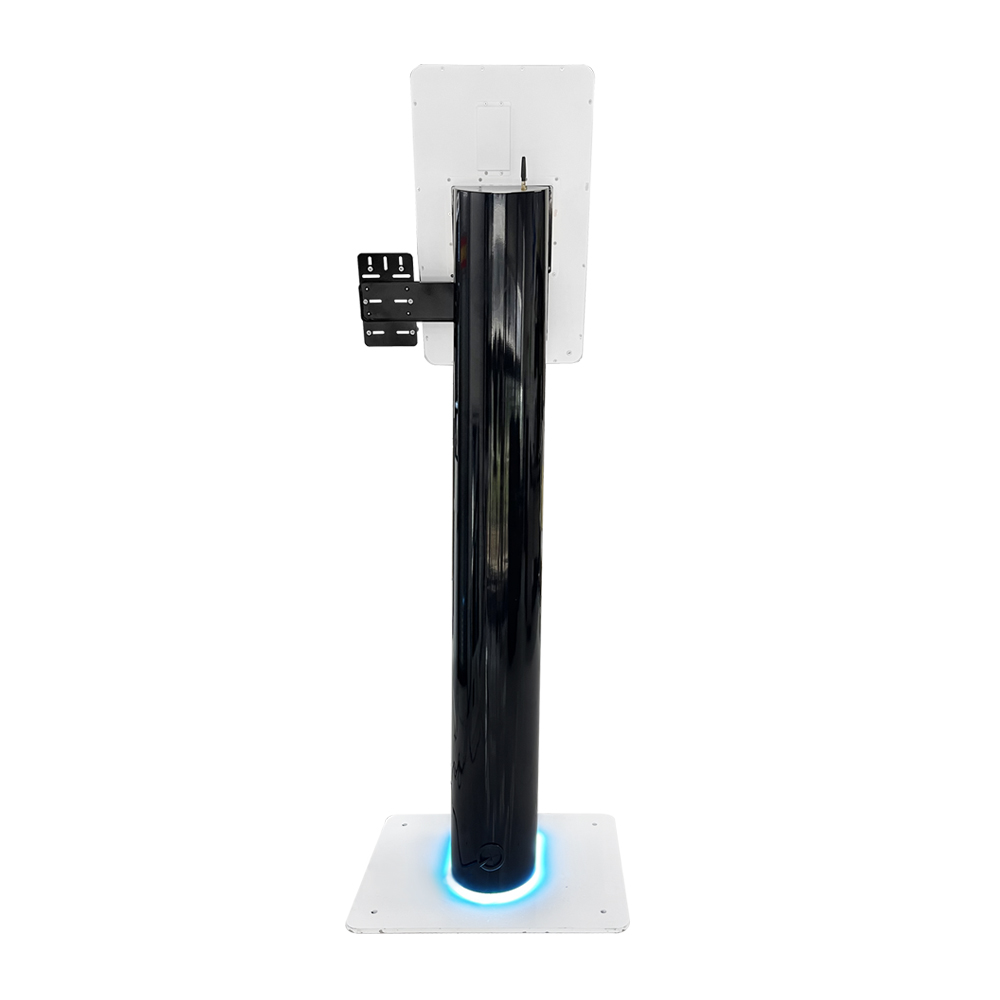
Hospital Registration Kiosk Hardware: A Privacy-Conscious Specification Framework
Hospital registration kiosk hardware is the set of touchscreen, identity, printing, scanning and payment modules that lets a patient check in without staff help. A standard build combines a PCAP touchscreen, an identity reader, an 80 mm thermal printer and a document scanner, with payment…
Continue reading...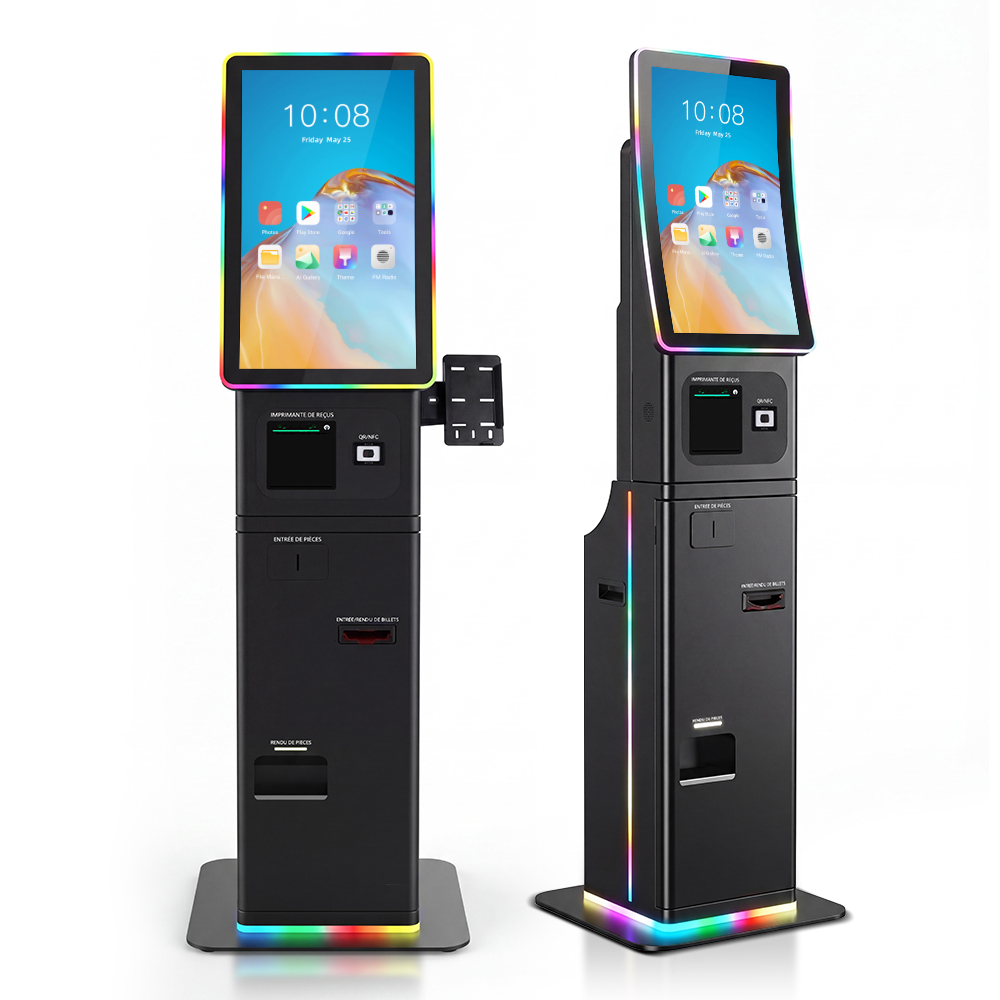
Touch Re Baselining for the Devices: Education/GIGA and On-Device-AI Skews vs. Flat Consumer Rows
The 2026 default for touch re-baselining for the devices that earn it first is demand allocation, not blanket coverage: full duty-cycle re-qualification belongs on education/GIGA refresh units and always-on on-device-AI touch surfaces, while flat consumer rows get spot verification or deferral. Sequence validation spend to…
Continue reading...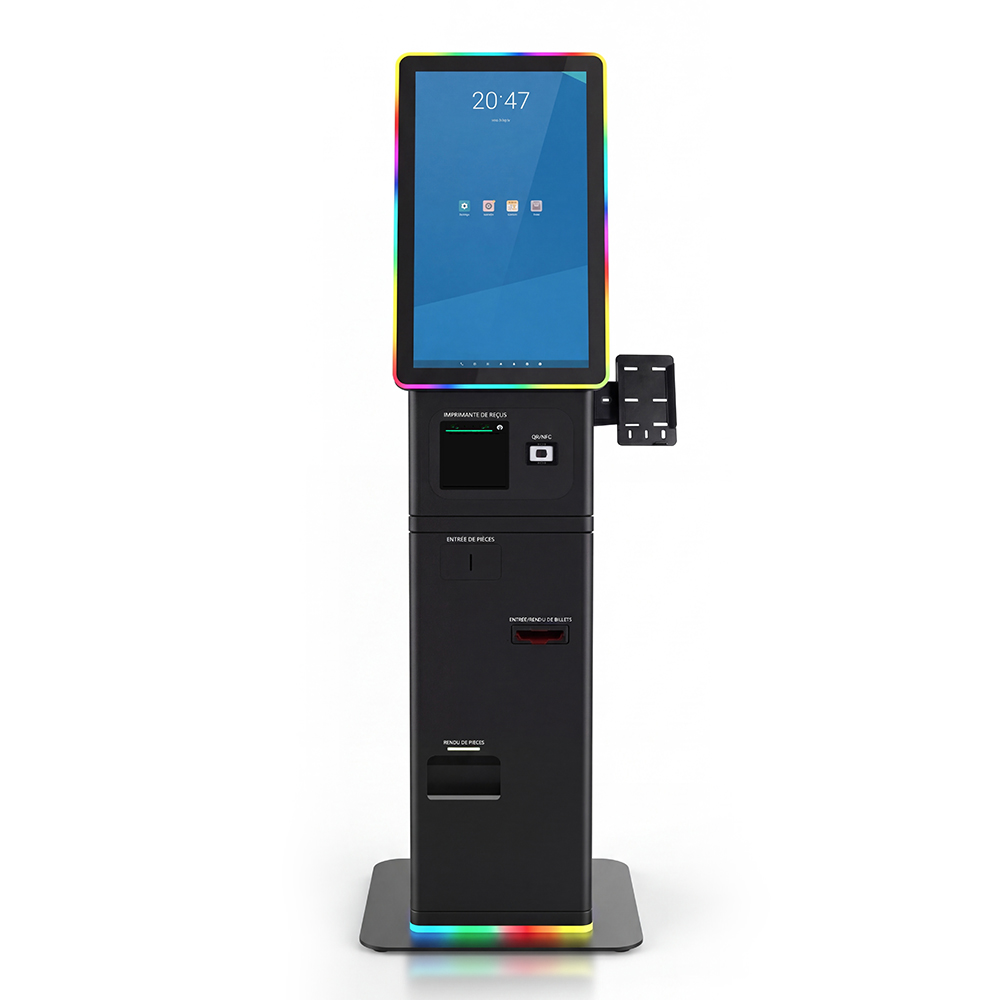
Touch Re-Qualification Panel Substitution 2026: When Premium-Skew Allocation Forces an Alt Component
Touch Re-Qualification Panel Substitution 2026 is the decision framework examined in this guide. The sections below turn sourced evidence into practical comparison criteria without overstating what the available research can prove. A touchscreen must be re-qualified after a panel or touch controller substitution whenever the…
Continue reading...